 Luma 2.0
Notes That Work as Hard as You Do
Scan handwritten notes, capture ideas instantly, and let AI organize everything.
✓ Free forever
✓ No credit card
✓ 50 notes free
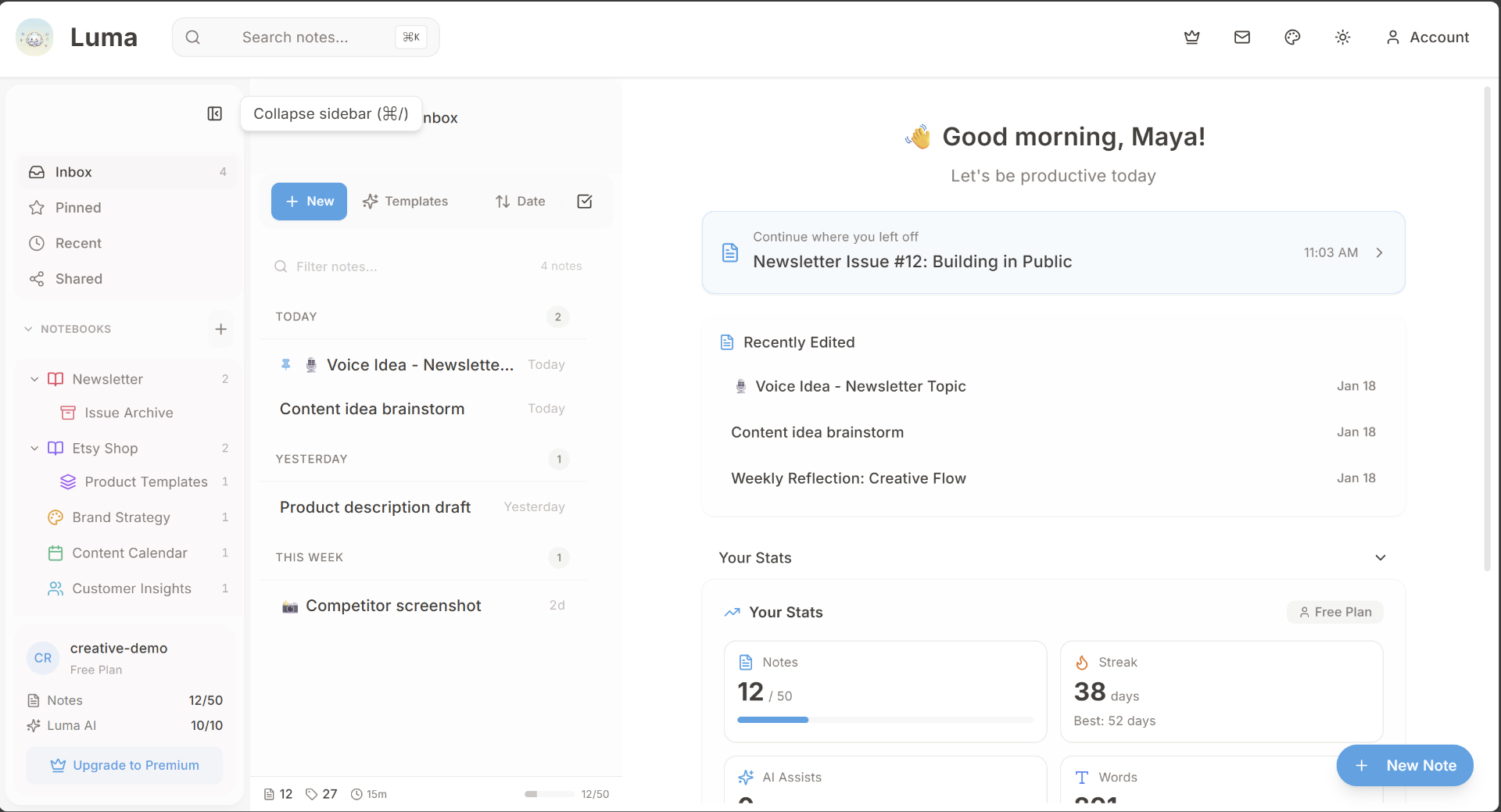 Luma 2.0
Scan handwritten notes, capture ideas instantly, and let AI organize everything.
10,000+
Active Users
4.8★
User Rating
500K+
Notes Created
50+
Countries
For Professionals
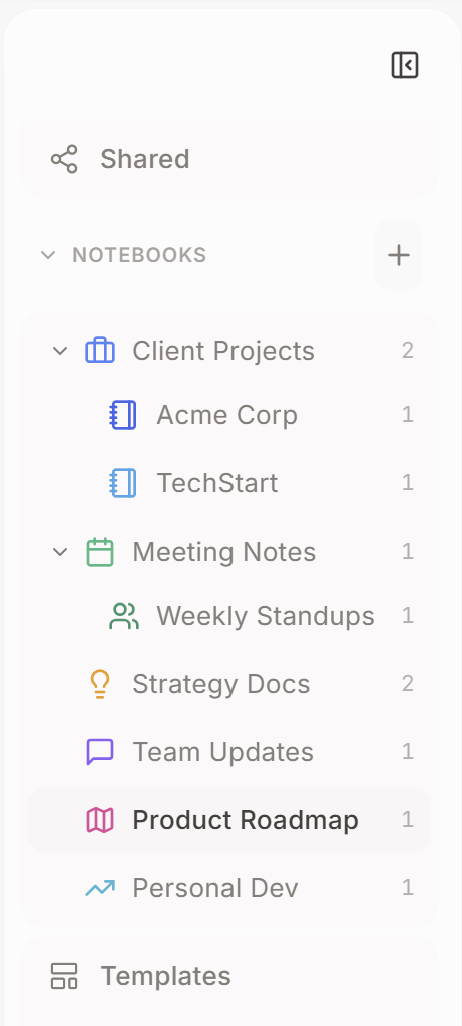
Organize client projects, meeting notes, and strategy docs all in one place.

Organization
Create notebooks, subfolders, and let AI help keep everything in order. A clean workspace for a clear mind.

Personalization
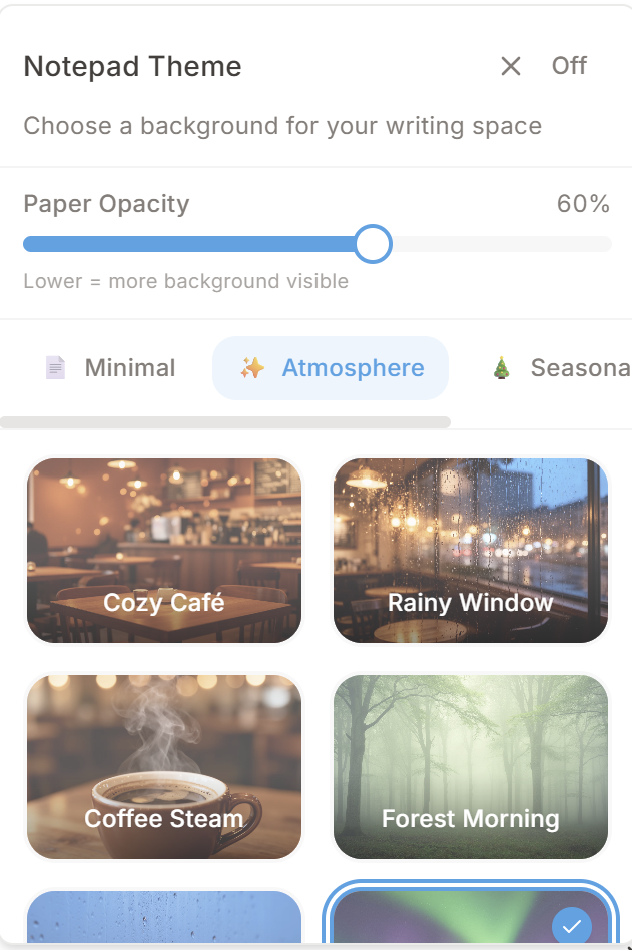
Choose from cozy cafés to aurora nights. Make your writing space feel like home.
Smart Editing
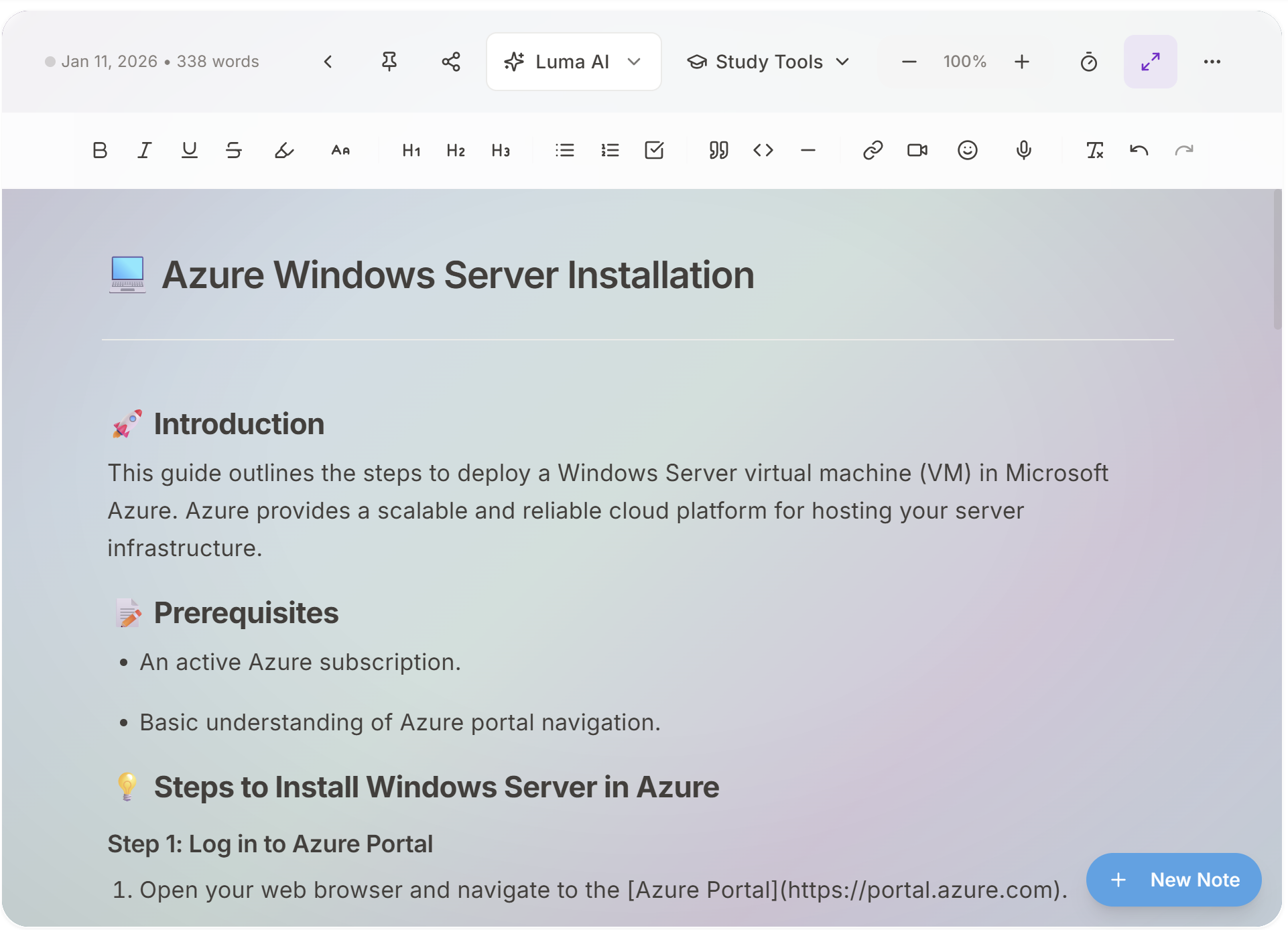
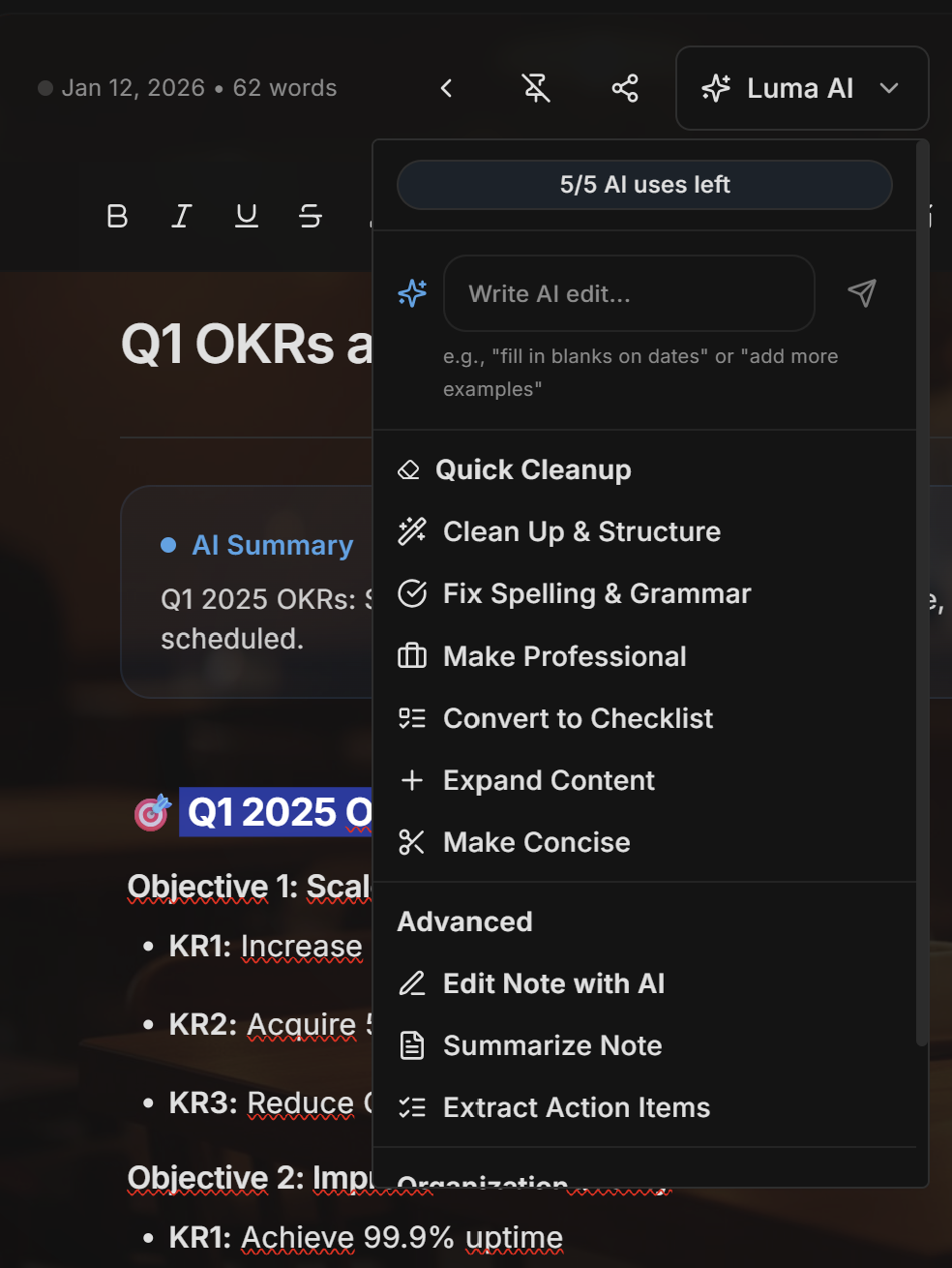
Access powerful AI tools right inside your editor. Quick cleanup, smart editing, and study tools all in one dropdown.
Instant Sharing
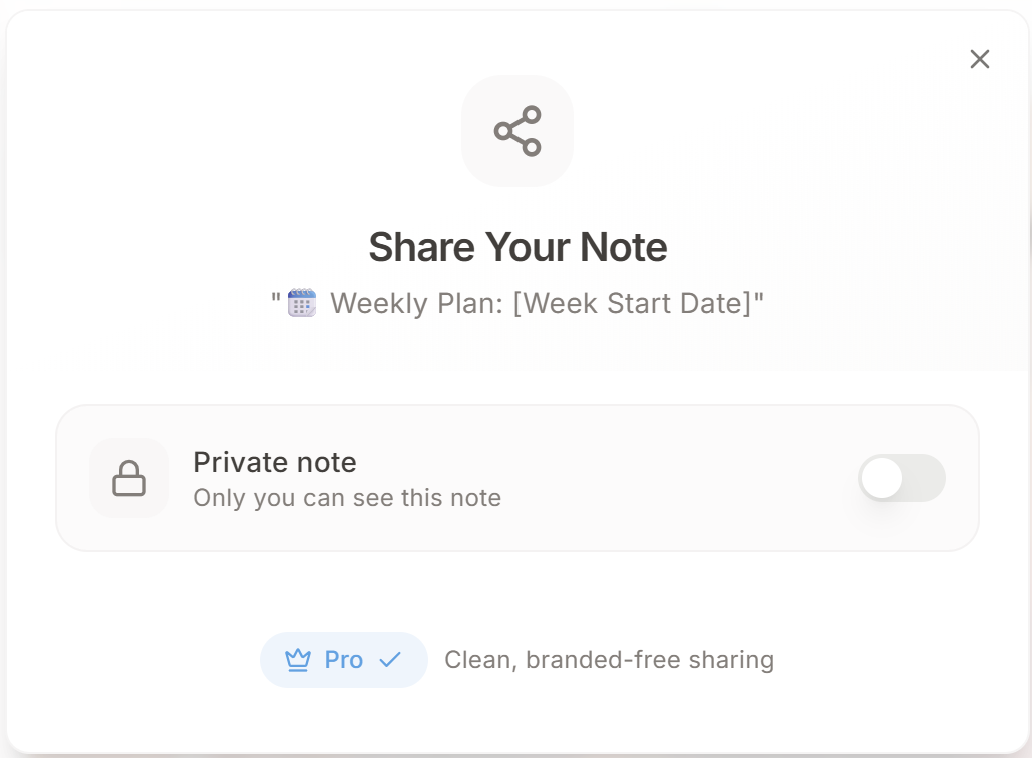
One toggle. One link. Professional results.
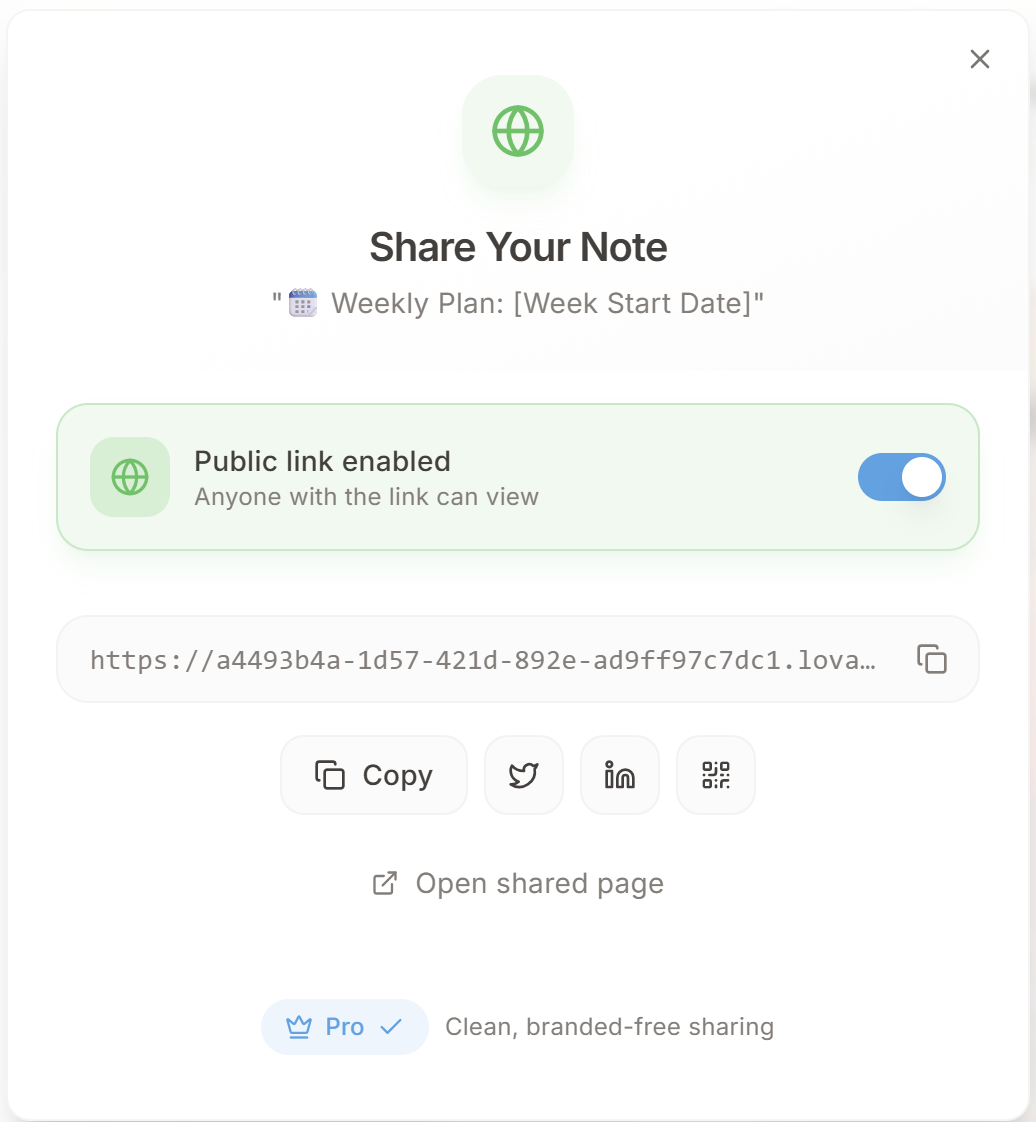
Switch to public with one tap
Copy link or share to social
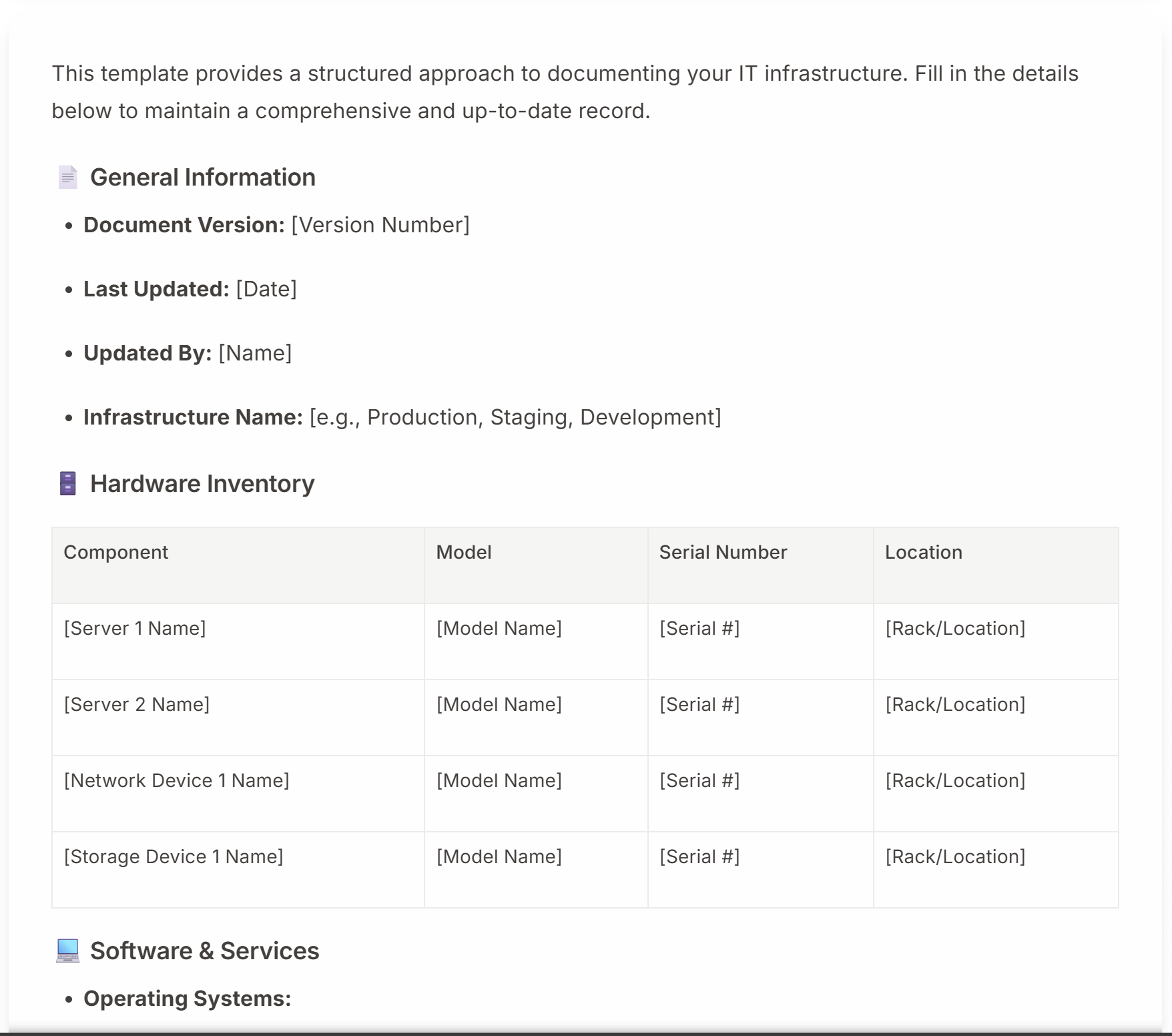
Clean, branded-free page
Distraction-Free
Write without interruptions. Just you and your words.
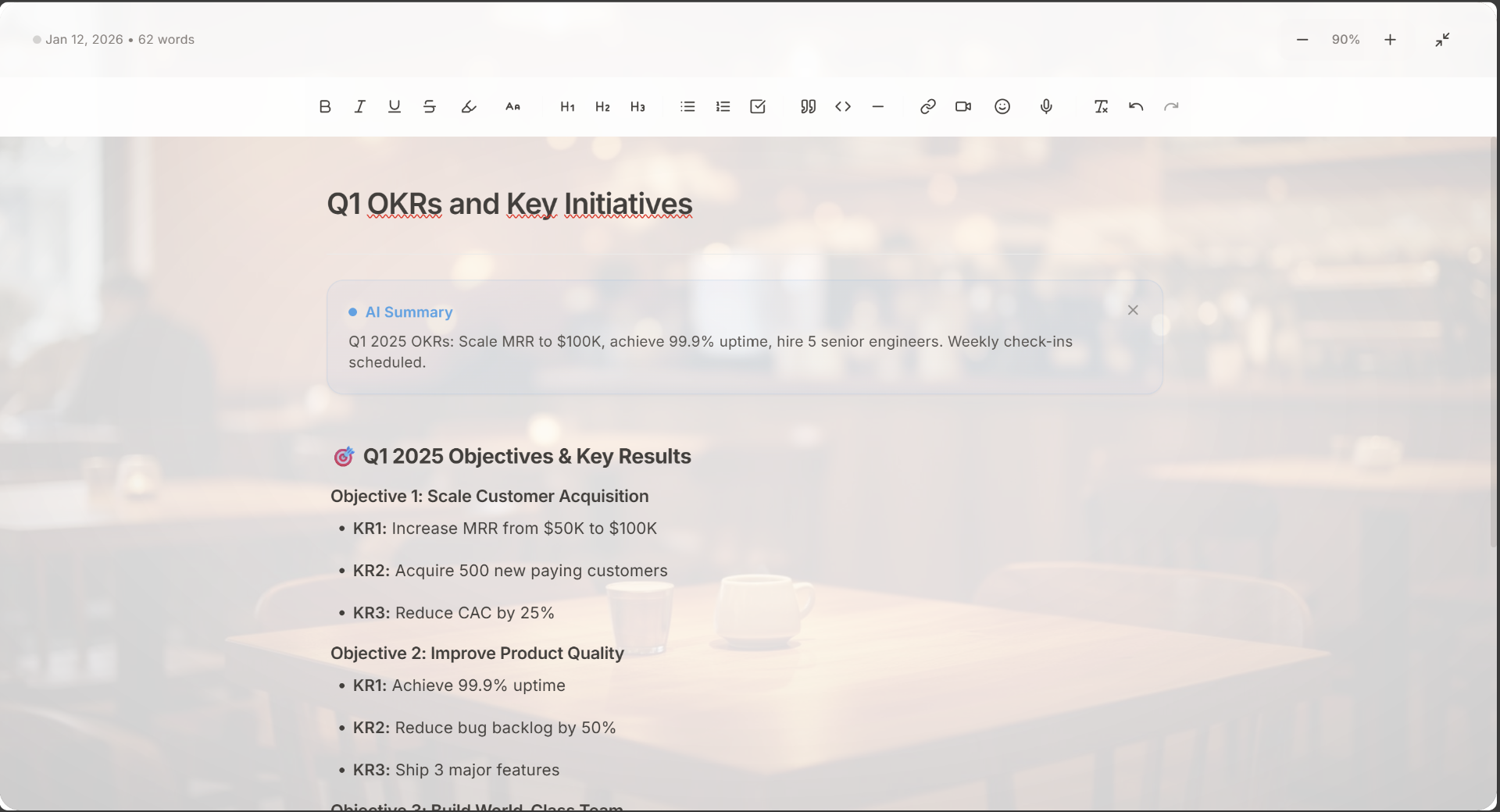
Productivity
Perfect for meeting notes and focused writing sessions.
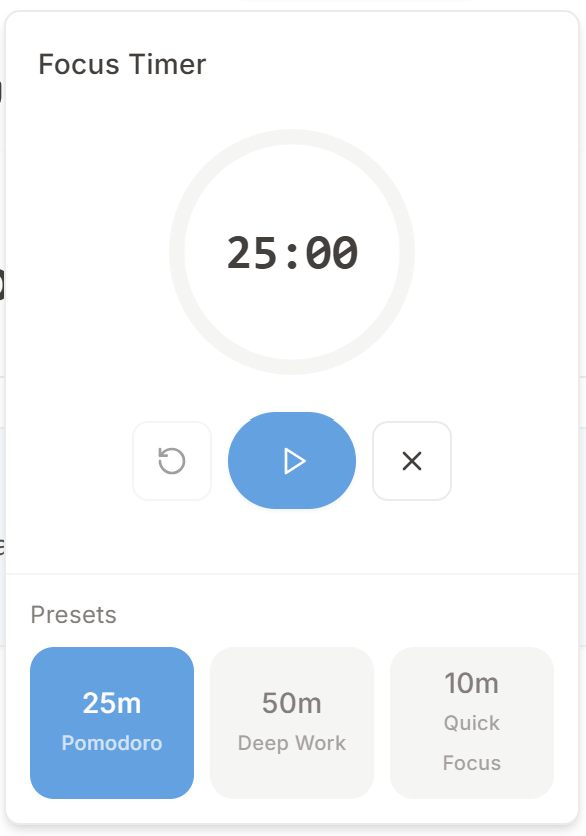
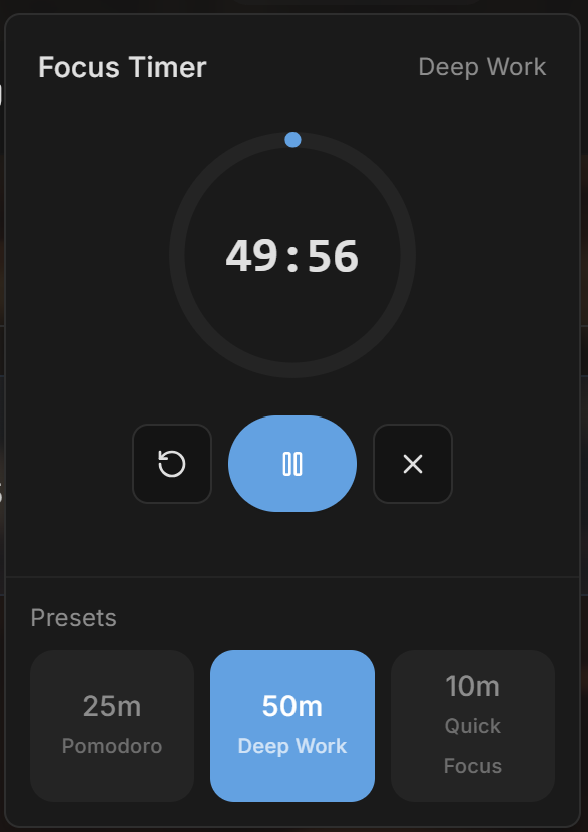
Power Features
Real screenshots from our app. What you see is what you get.
AI-Powered
Tell Luma what you need and watch it create perfectly structured notes in seconds. Quick-tap prompts get you started instantly.

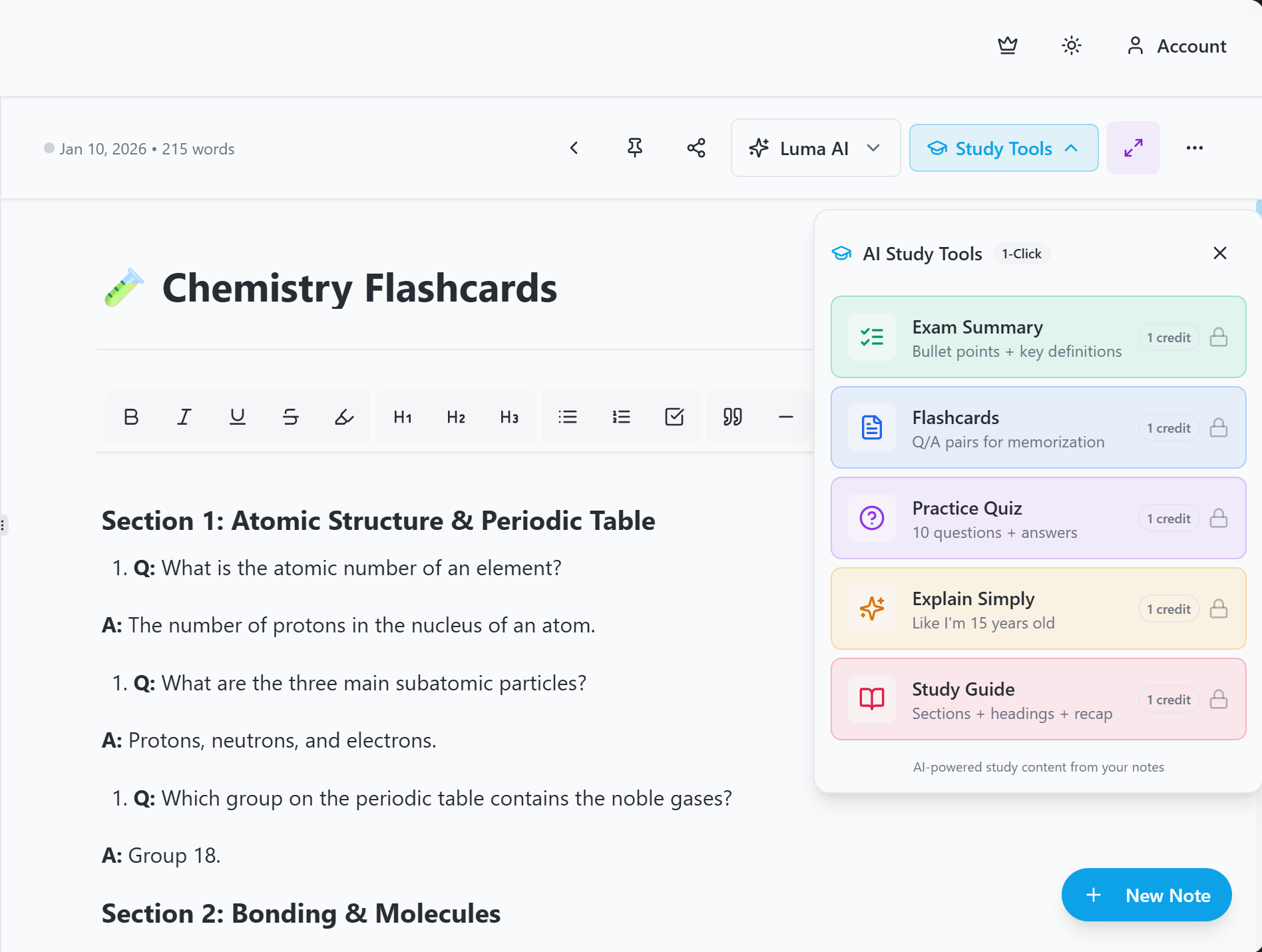
For Students
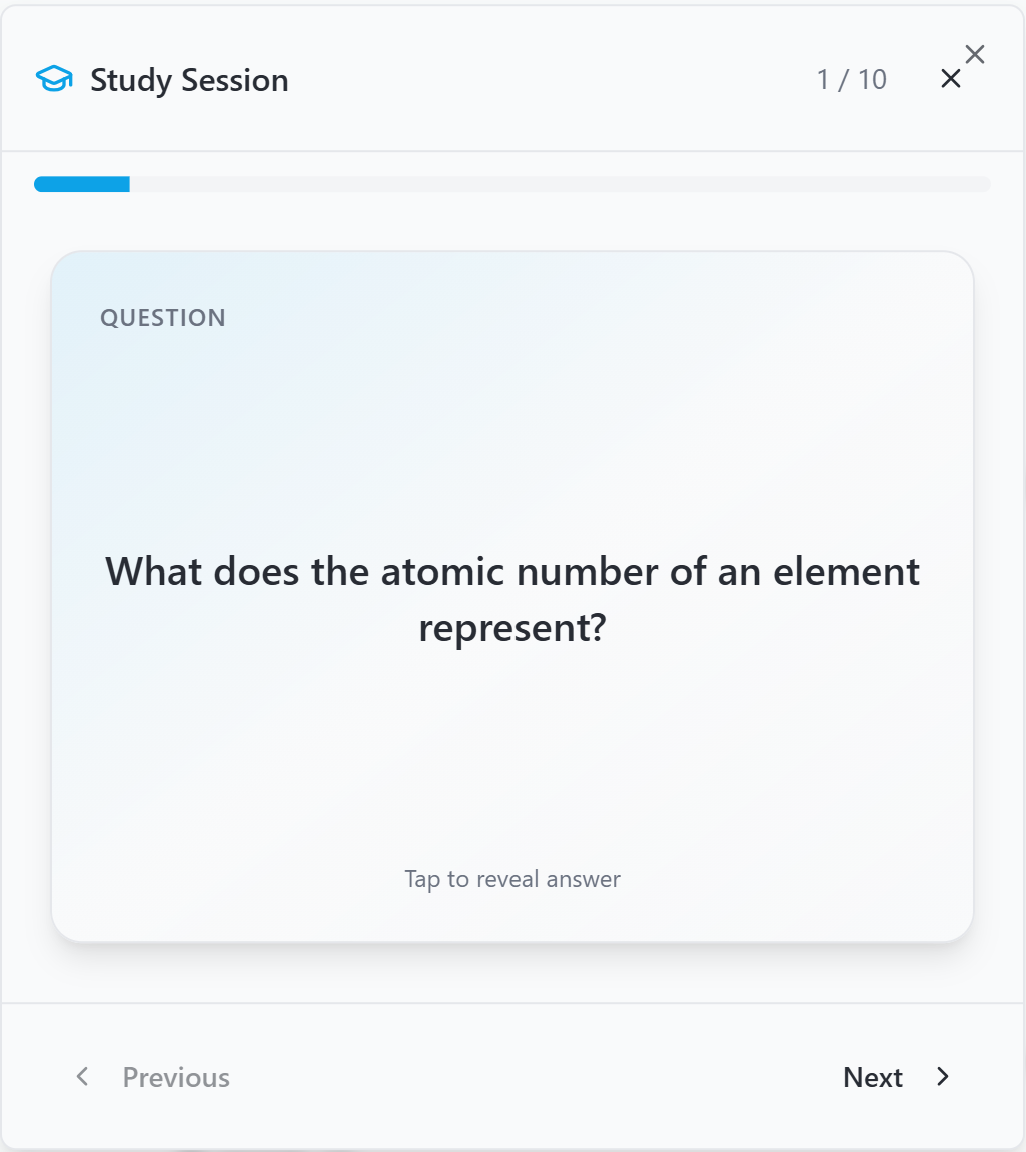
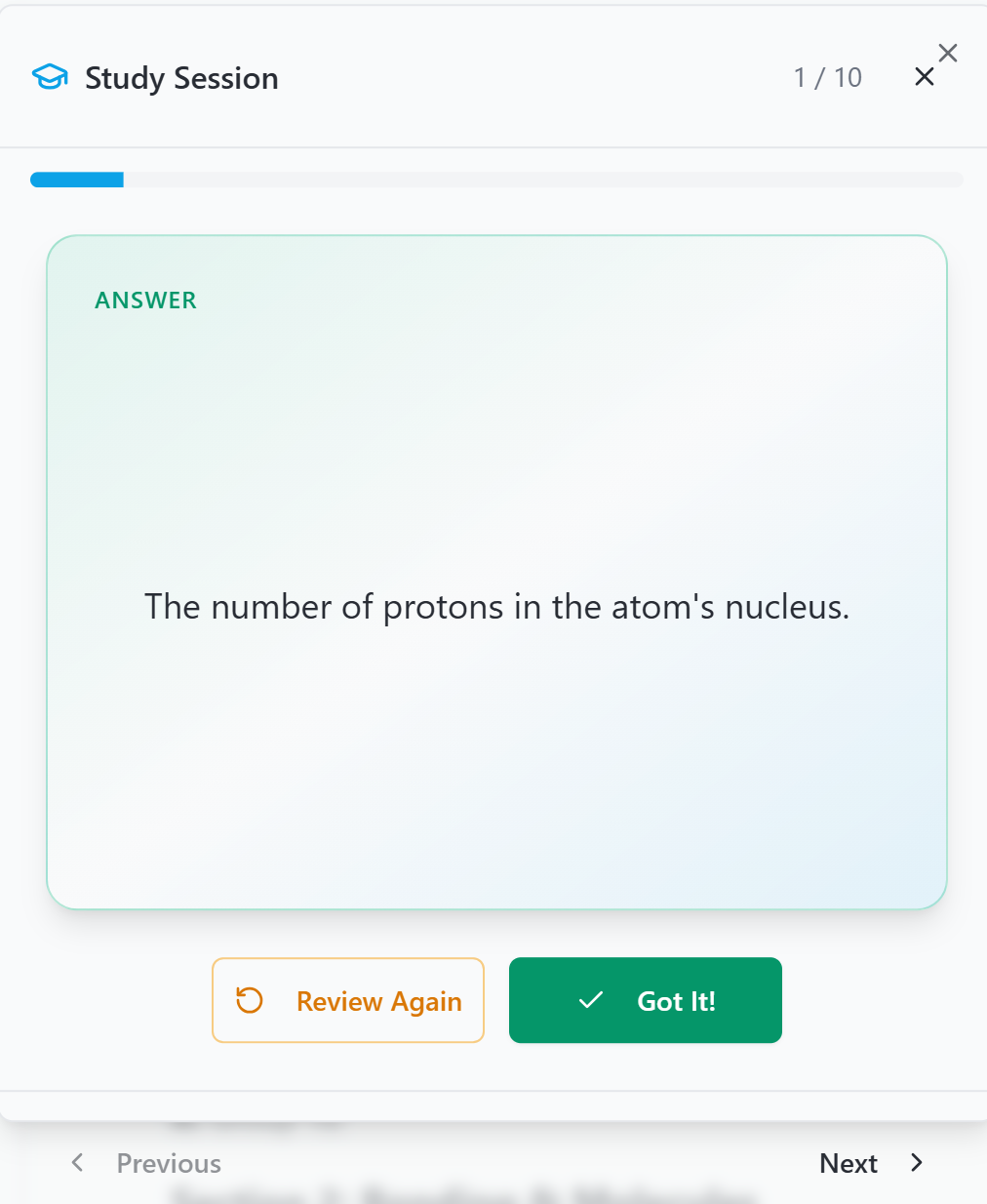
Transform any note into powerful study materials instantly. Perfect for students preparing for exams or reviewing complex topics.
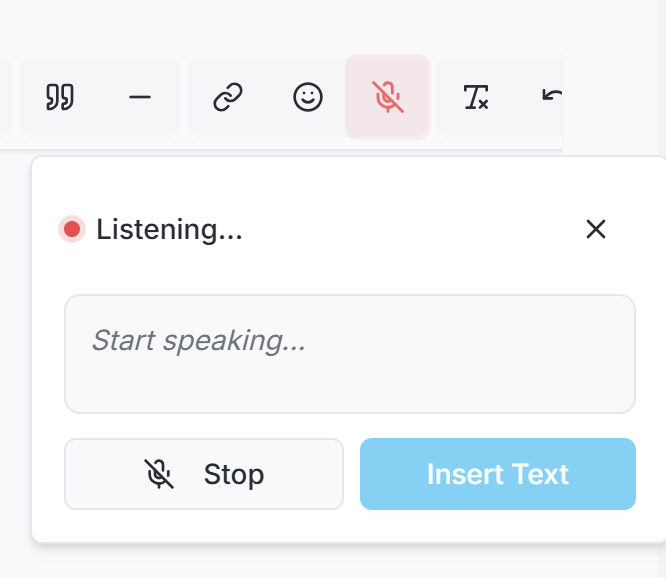
Voice Input
Speak your ideas and Luma transcribes them in real-time. Perfect for capturing thoughts on the go or during meetings.
Study Smarter
Let AI transform your notes into powerful study materials. Generate flashcards, quizzes, and exam summaries with one click.
Automatically extracts key concepts
Review at optimal intervals
Build your flashcard library
Mobile Ready
Access Luma on your phone, tablet, or any browser. Create notes on-the-go with our mobile-first design that feels native on every device.
Write without internet, sync later
Changes sync across all devices
Install as an app on iOS & Android
Optimized for mobile performance

Exclusive Feature
Point your phone at handwritten notes, whiteboards, or printed documents. Luma's AI reads, structures, and organizes everything automatically.

Simple Pricing
Join thousands of professionals who use Luma daily. Premium plans start at just $1/month.
FAQ
Luma's AI assistant is integrated directly into the editor. It can help you clean up text, generate summaries, create study guides, and even structure notes from a simple prompt. It's designed to make your note-taking smarter and more efficient.
Yes, Luma is designed to work offline. You can create and edit notes without an internet connection, and your changes will automatically sync across all your devices once you're back online.
We prioritize your data's security. All notes are stored with robust encryption, and we follow industry best practices to ensure your information remains private and protected at all times.
Our scanner uses advanced AI to not only digitize but also understand and structure your handwritten notes, whiteboard content, and documents. It offers high accuracy handwriting recognition and smart cleanup features to make your physical notes digitally useful.
Absolutely! Luma offers a generous free plan that includes up to 50 notes and daily AI credits. You can get started for free without a credit card and upgrade to a premium plan when you need more features.
Yes, we support importing your notes from various other applications to make your transition to Luma as smooth as possible. Check our support documentation for a list of compatible apps and instructions.
Join thousands of professionals who capture ideas faster with Luma.
Free plan included. Upgrade to Pro for $1/month.